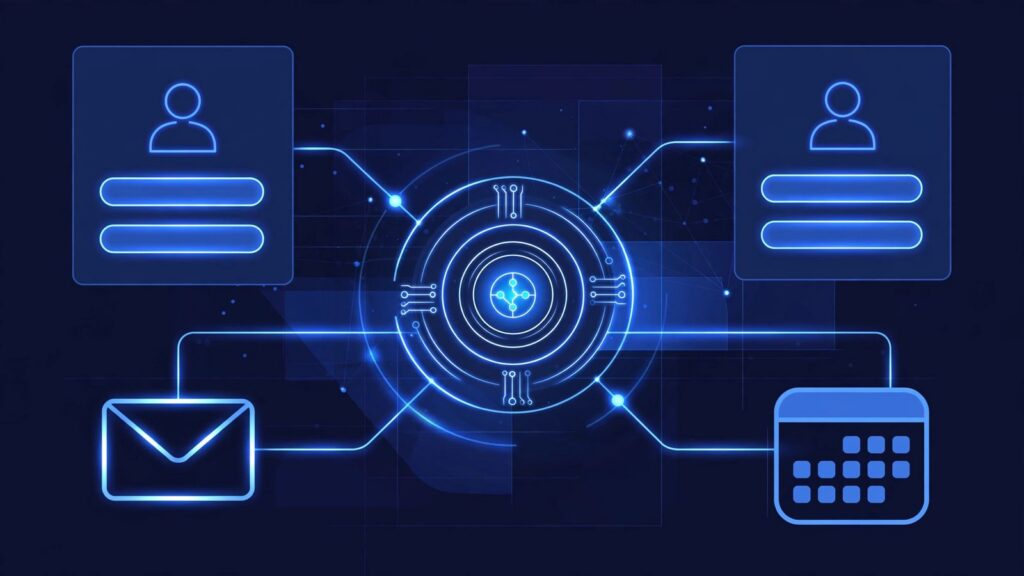
To build your first AI CRM agent, give it one narrow job, write its instructions like a job description, give it only the tools it needs, set guardrails for discounts and contracts, and test it on 20 old leads before it goes live. That is the whole method in the video below. You do not start by automating your entire sales process. You start with one job, done well, with a person still checking the risky parts.
What is the difference between automation and an AI CRM agent?
Automation follows your steps. You decide the sequence in advance, and the system repeats it the same way every time. An agent works differently. You give it a goal, and it decides the steps itself within the limits you set.
That matters for CRM work. A new lead is rarely tidy. An agent can read what the lead wrote, decide what to ask next, update the record, and know when to hand the conversation to a person. Because it can decide steps, you have to decide what it is not allowed to do.
How do you build your first AI CRM agent step by step?
Step 1: Give it one job
Pick one job and only one job for the first version. The example in the video is simple: qualify every new lead.
That is a good first job because it is frequent, it follows a pattern you can describe, and leads that wait for a first question often go cold. Do not add more jobs at this stage. One job is easier to instruct, test, and fix.
Step 2: Write its instructions like a job description
Write the instructions the way you would brief a new employee. Cover three things:
- Who is a good fit for your business, and who is not
- What to ask the lead to find that out
- When to hand off to a human
For example, a good fit might be a local company with a problem you solve. A poor fit might be someone asking for a service you do not offer. The agent needs those definitions in plain language. The handoff rule matters too: if the lead is ready to buy or asks for something outside the list, the agent stops and passes the conversation to a person with a short summary.
Step 3: Give it only the tools it truly needs
Next, connect the tools the agent needs for that one job. In the video, the list is short: read and update CRM records, send emails, and book meetings.
Give it only the access it truly needs. If its job is lead qualification, it needs to read a new lead record, add notes and a status, send a follow up email, and offer a meeting time. It does not need access to your accounting, your full customer history, or every file in your business.
Narrow access limits the damage if the agent makes a mistake, and makes testing clearer.
Step 4: Set the guardrails before it goes live
Guardrails are the rules the agent cannot break, even if a lead asks it to. The video gives a clear example: the agent can draft, but discounts and contracts always go to a person.
The agent can record what a lead said, but it cannot change a price, promise a deadline, or agree to terms. One more guardrail from the video: every action gets logged, so you can open the CRM record and see what the agent read, wrote, and sent.
Step 5: Test it on 20 old leads, then go live
Do not test on new leads first. Run the agent on 20 old leads, where you already know the right outcome. You know which ones were a good fit, which ones were not, and what questions should have been asked.
Compare what the agent did with what you would have done. Did it ask the right questions, update the record correctly, and hand off at the right moment? Fix the instructions where it went wrong, then test again. Only after that should it work on new leads.
What can you build your first AI CRM agent with?
The video gives two routes. You can build it in n8n, or you can use the agents built into many CRMs.
If your CRM already has a built in agent option, that is often the simplest place to start. If you want more control over the steps and handoff, n8n lets you lay the workflow out yourself. Either route works. The method stays the same.
What this means for your business
This is a practical way to stop manual data entry and slow first replies without handing your sales process to a black box. The agent handles the repetitive first step, qualifying new leads, while your team keeps the conversations that need judgment and trust.
Start with the job description, not the software. If you can write who is a good fit, what to ask, and when to hand off on one page, you are ready to build.
Frequently asked questions
What is an AI CRM agent?
An AI CRM agent is a system you give a goal inside your CRM, such as qualify every new lead. Unlike plain automation, which follows steps you set in advance, an agent decides the steps itself within the instructions, tools, and guardrails you give it.
What is the best first job for an AI CRM agent?
Qualifying new leads is a strong first job. It is one narrow task, it happens often, and you can describe who is a good fit, what to ask, and when to hand off to a human.
What guardrails does an AI CRM agent need?
At minimum: the agent can draft but cannot approve discounts or contracts, those always go to a person, it only gets the tool access it truly needs, and every action it takes gets logged in the CRM record.
How do you test an AI CRM agent before going live?
Test it on 20 old leads first. You already know the correct outcome for those leads, so you can check its questions, its record updates, and its handoff decisions before it touches a new lead.
Do you need to code to build an AI CRM agent?
Not for a first version. The video points to two routes: build it in n8n, or use the agents built into many CRMs. Start with the route that sits closest to the CRM you already use.
Get free AI automation lessons
Join the Telegram channel for short, practical lessons on AI and automation for business owners.
Keep Reading



Leave a Reply