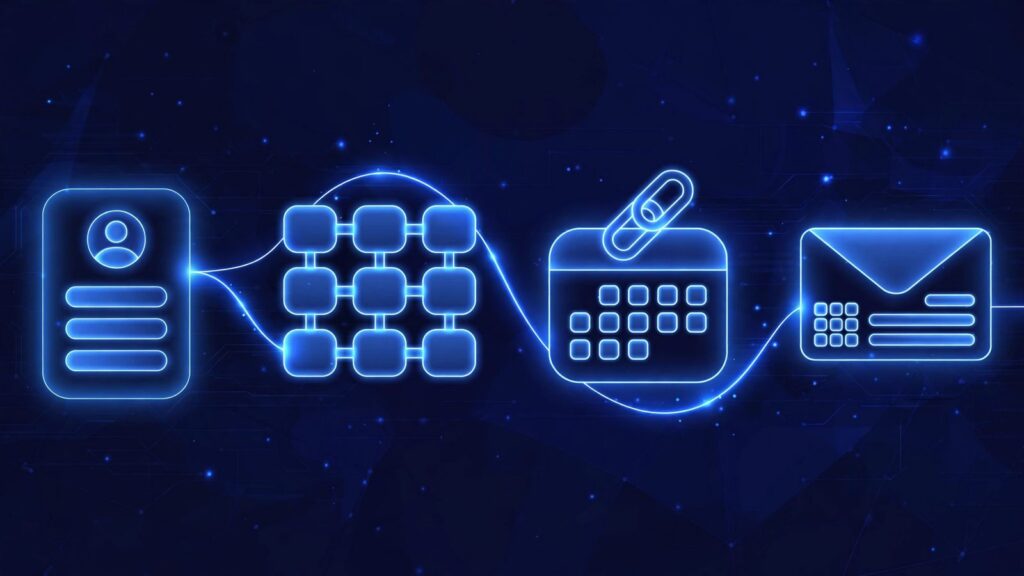
A small business actually needs just four things from HubSpot. First, contacts and a deal pipeline, which are the heart of the CRM. Second, a booking link, so clients pick a time straight from your calendar. Third, email tracking and templates, so you can see who opened your quote and reply in one click. Fourth, one form on your website that drops every lead straight into HubSpot. Everything else can wait. That short list covers how leads arrive, how they get booked, how you follow up, and where the work is tracked.
Why does HubSpot feel too big for a small business?
The video opens with the core problem. HubSpot is huge. It covers marketing, sales, service, content, and operations, and most small businesses end up paying for features they never open.
That is not a training problem. It is a selection problem. If you try to set up every area at once, you spend your time configuring screens instead of talking to customers. A smaller setup that your team opens every day beats a large setup that nobody touches.
Which HubSpot features does a small business actually need?
1. Contacts and a deal pipeline
Contacts and a deal pipeline come first. The video calls them the heart of the CRM, and that is the right order. Everything else in HubSpot works better when your contacts are in one place and every open deal sits in a pipeline you can see.
Contacts give you one record per person instead of details spread across inboxes and notes. The pipeline gives you one view of what is open, what stage it has reached, and what needs a next step.
For example, picture a quote you sent last week. As an illustration, if that quote is a deal in your pipeline, you can see it sitting still and act on it. If it only lives in a sent email, you have to remember it exists before you can follow up at all.
2. A booking link
Second is a booking link. Clients pick a time straight from your calendar, with no back and forth.
That removes a small task that repeats all week. Instead of trading messages about who is free on which day, you send one link and the client chooses a slot that is already open. The meeting lands on your calendar, and the contact record is already in the CRM.
3. Email tracking and templates
Third is email tracking and templates, and the two belong together. Tracking shows you who opened your quote. Templates let you reply in one click instead of writing the same follow up from scratch each time.
Knowing a quote was opened changes what you do next. A client who opened it twice is in a different position from a client who never saw it, and your follow up should reflect that. A short template makes that follow up fast, so it actually happens on a busy day.
As an illustration: a template that says you are checking whether the quote raised any questions gives you a reply you can send in seconds, in your own words, once tracking shows the quote was opened.
4. One form on your website
Fourth is one form on your website that drops every lead straight into HubSpot.
One form is enough to start. Its job is simple: no lead should land only in an inbox, a spreadsheet, or a notebook. When a visitor fills in the form, the lead becomes a contact in the CRM, ready for the pipeline, the booking link, and your email follow up.
This is also where the four pieces join up. The form brings the lead in. Contacts and the pipeline hold the record and the deal. The booking link gets the call scheduled. Tracking and templates keep the follow up moving. That is a complete path from first contact to booked call, built from four basics.
What can a small business skip in HubSpot for now?
The video names three things to skip for now: advanced marketing automation, custom reports, and the big top tier plans.
Advanced marketing automation can wait because your first job is a clean path for leads, not a long chain of automatic messages. Custom reports can wait because a small team can read its pipeline directly until the volume makes that hard. The big top tier plans can wait because paying for a larger plan does not fix an unused setup.
When should you upgrade your HubSpot setup?
The video gives one rule: upgrade when the simple setup starts holding you back, not before.
That means the trigger is a limit you can point to in daily work. If your team keeps hitting the same wall with the basic setup, that wall is your case for the next feature or plan. If you cannot name the wall, an upgrade would only add more screens you do not open.
What this means for your business
HubSpot rewards a small, used setup. Four basics give a small business the full working path: leads come in through one form, sit in contacts and a pipeline, book through one link, and get followed up with tracked emails and templates.
Start there. Set up the four pieces before you look at anything else, and save this list for when you review your CRM. Add a feature only when the simple setup starts holding you back.
Frequently asked questions
What HubSpot features does a small business actually need?
Just four things to start: contacts and a deal pipeline, a booking link, email tracking and templates, and one form on your website that drops every lead straight into HubSpot. The video calls contacts and the pipeline the heart of the CRM, and the other three cover booking, follow up, and lead capture.
Why do small businesses pay for HubSpot features they never use?
HubSpot is huge, covering marketing, sales, service, content, and operations. The video notes that most small businesses end up paying for features they never open, which is why starting with four basics and skipping the rest for now is the safer order.
What can a small business skip in HubSpot for now?
Advanced marketing automation, custom reports, and the big top tier plans. None of them fixes an unused basic setup, and each can be added later when there is a clear need.
How does a HubSpot booking link help a small business?
Clients pick a time straight from your calendar, so there is no back and forth about availability. You send one link, the client chooses an open slot, and the meeting is booked.
When should a small business upgrade its HubSpot plan?
When the simple setup starts holding you back, not before. If you can point to a specific limit in daily work, that is the case for upgrading. If you cannot, wait.
Get free AI automation lessons
Join the Telegram channel for short, practical lessons on AI and automation for business owners.



Leave a Reply